The Command Line Interface (CLI)
Computing like a local.
Exercises to complete after reading below
- Complete through "Exercise 11 - Moving a File" on the Command Line Crash Course tutorial by Learn Code The Hard Way. (~0.5 hr)
- Complete Terminal Basics by AppStorm. (~0.5 hr)
The way computers want to be talked to
Computing for most people, whether that's on a laptop, tablet, or smartphone, is still something we do exclusively within Graphical User Interfaces (GUIs). We click boxes with our finger or mouse and different boxes appear. We move boxes around or type things on keyboards to instruct the computer to work.
In popular culture, when we see 'geeks' or 'hackers' doing their thing, we see a black screen and a bunch of white or green text flying upwards as the geek types. You can even pretend you're doing it to impress your friends.
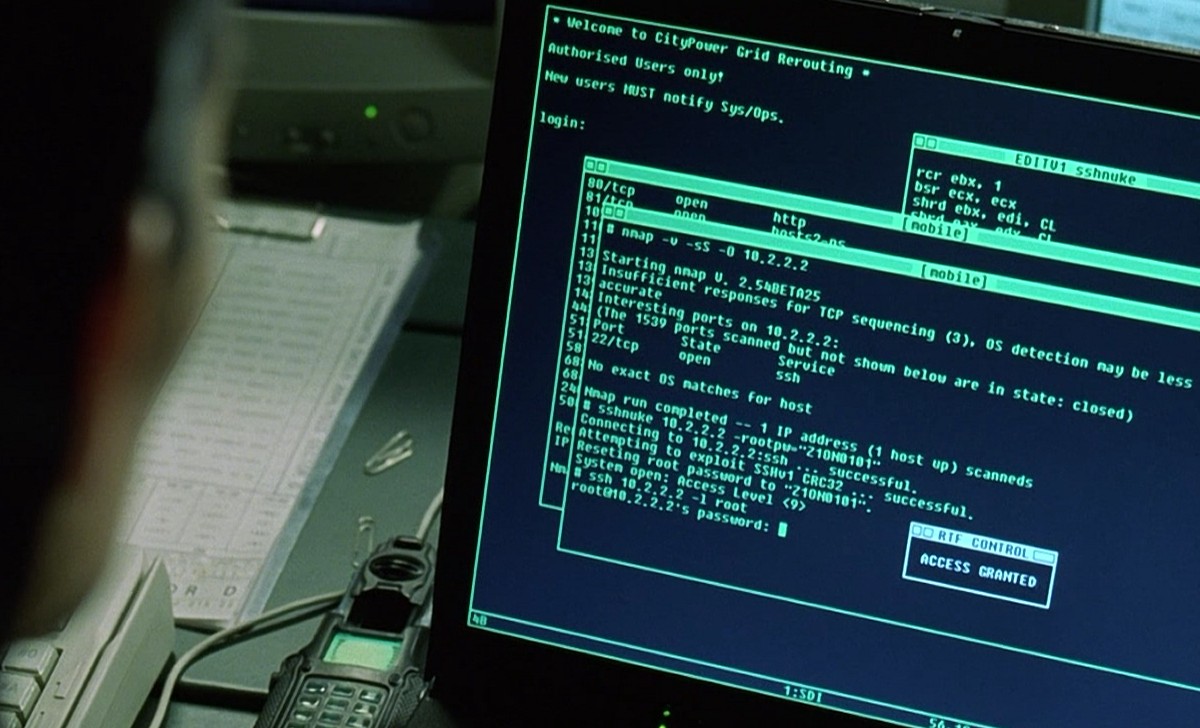 From the movie Hackers (1995). Image copyright United Artists Pictures
Command line applications are easier for developers to write
GUI applications are easier for users to use but CLI applications are easier for developers to write. It saves them from a ton visual design work. If the user runs a command and the program needs to give the user feedback, the program can simply put a line of text on the screen. If the program needs input, the developer knows it's just going to receive text.
This is way simpler than the multitude of inputs and outputs presented by GUIs like drag & drop, navigation buttons, and differing methods to give the user feedback like changing colors or a box shaking like it is saying 'no' to you when you enter an incorrect password.
Since they're easier to write, many developer tools and applications run exclusively with a command line interface
Specifically in this course, we will see command line applications that help you deploy your website, save yourself coding time by putting redundant code into templates, and help keep your project versioned so you can go back in time if needed.
Why you need to be comfortable with the command line
To use a web server
The most important example is a web server. Sure we use GUI operating systems on our Macs (OSX) and PCs (Windows) but what about the computers that do most of the world's computing work?
I'm talking about servers. They are very similar in most ways to the computer you are using but most likely they are running Linux and are only able to be interacted with through the CLI. Your website will be hosted on one of these machines and if you need to get hands-on, you'll need to navigate that server on the CLI.
To use tools that take the pain out of developing websites
You will find programs out there that will make templating your site easy. You'll also find programs that will make writing CSS code a lot more fun and easy. Currently the industry-standard ones are only usable on the command line.
To use advanced features in Git & other programs
Git, the current standard for version control, is a command line application. There are GUIs for it from 3rd parties but if you face an odd problem, your solution will most likely be found on a forum where somebody tells you a command line solution.
Also in general, if you're doing anything on a computer a bit more technical like editing system settings that users typically don't change, knowledge of the command line is great to have.
Quick note about the $ sign
This is a convention for denoting the start of a command. This leading $ is never typed.
Example: for $ somecommand, you just type somecommand.